Quick answer
Freebeat is a capable beat-synced music video generator. People look for an alternative for three reasons: they want to be in the video themselves, they do not want another subscription, or they want less to configure.
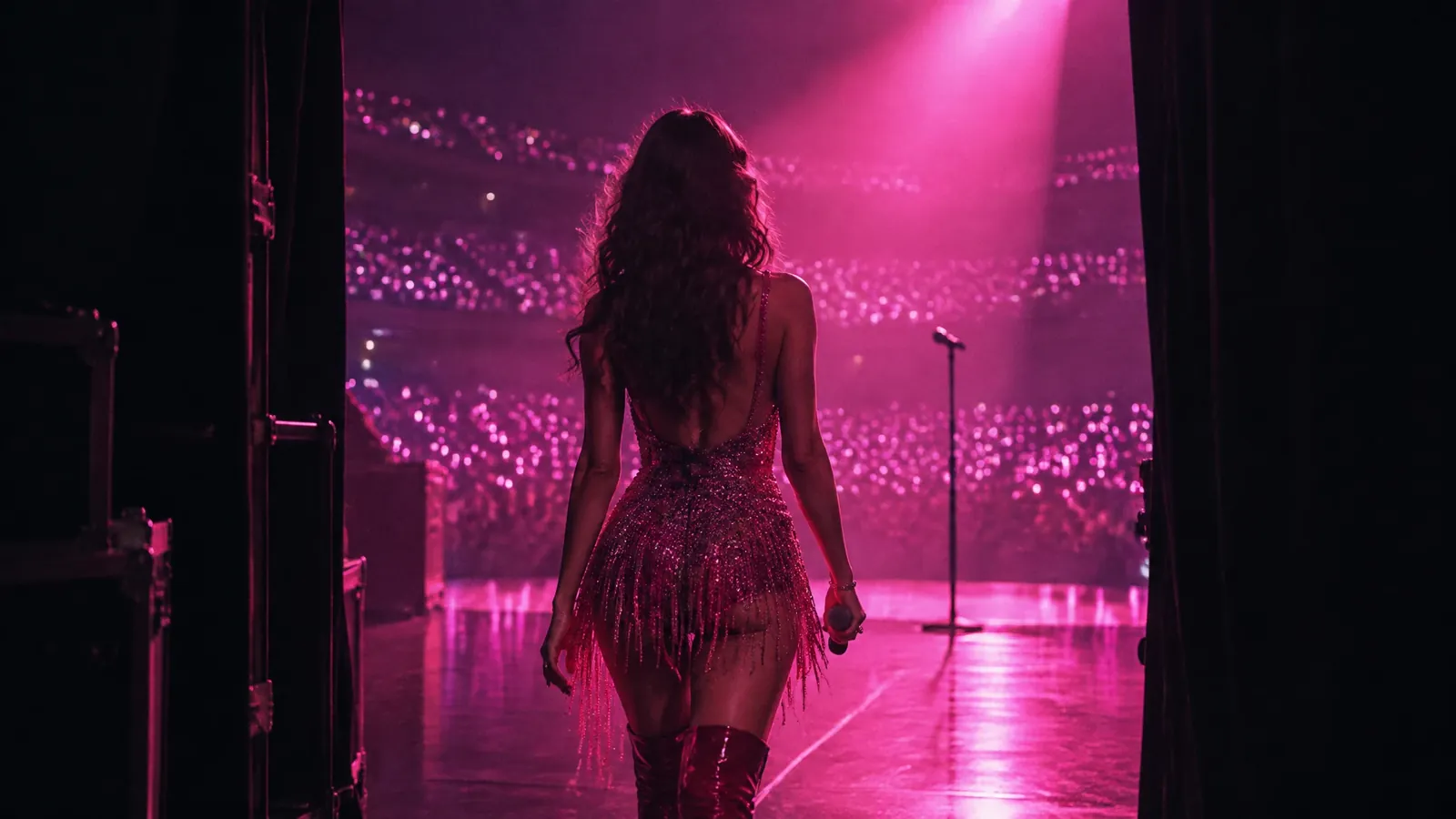
Best overall: Muzie. Muzie makes the highest quality AI music videos, with a real singer performing your track, lip-synced and cut across cinematic scenes.
See more videos made with Muzie
0:25

0:22

0:19

0:10
The options, ranked
1
Muzie
Our pick
Best for: You, or your character, performing the whole song
Upload a photo and that person becomes the singer for the entire track, consistent in every scene. Brings your own song or writes one, edits single scenes from a plain description, and charges per video in tokens.
Pros
Your own photo as a consistent singer
Pay per video, no subscription needed
Edit one scene by describing the change
Free 3D visualizers
Android app, and works in any phone browser
Cons
Vertical first, so less suited to a landscape YouTube premiere
2
Neural Frames
Best for: Hands-on control of audio-reactive animation
A prompt timeline that lets you direct morphing visuals against the track frame by frame.
Pros
Deep manual control
Strong audio reactivity
Cons
Steep learning curve
Browser only
No performer
3
Kaiber
Best for: A recognisable morphing style
Audioreactive animation with a distinctive look and less setup than a timeline tool.
Pros
Distinctive aesthetic
Quick to start
Cons
Subscription required
No performer
4
Runway
Best for: Building every shot yourself
Top-tier clip generation for people who want to direct and edit by hand.
Pros
Excellent footage
Fine shot control
Cons
No song workflow
Editing required
5
CapCut
Best for: Editing real footage for free
If you can film yourself, a free editor with beat markers may be all you need.
Pros
Free
Mobile
Cons
Generates nothing
Takes time
Why people look for an alternative
You want a performance, not a visual
Beat-synced scenes look great over an instrumental. Over a vocal, viewers look for whoever is singing, and a video without them can feel like a screensaver.
If the song has words, a tool built around a singer usually serves it better.
A subscription for an occasional release
Weekly and monthly plans make sense for people posting constantly. Most independent artists release a handful of songs a year.
Paying per video means the cost follows the release schedule and nothing renews while you are writing the next one.
Too many choices before the first result
Multi-model studios give you a lot of dials: which model, which mode, which style. That is power for some and friction for others.
If you would rather describe the idea and get a video, a more opinionated tool is quicker.
Feature by feature
| Feature | Muzie | Neural Frames | Kaiber | Runway | CapCut |
|---|---|---|---|---|---|
A singer on screen A performer appears in the video, not just visuals | Separate tool | ||||
Create your own singer Build a reusable artist with a name and image | |||||
Lip sync to your track Mouth movement driven from the audio | Per clip | ||||
Multi-scene performance video Singer performs across cinematic scenes, cut to the lyrics | Visuals only | Visuals only | Manual | Manual | |
Generates the song too Write the track and the video in one place | |||||
Works from your own song Upload a track you already recorded | Per clip | ||||
Built for music Designed around songs rather than marketing or explainers | General | ||||
Native mobile app Real iOS and Android apps, not a mobile website | |||||
Vertical export for short-form Portrait output for TikTok, Reels and Shorts | |||||
Pay per generation Token balance rather than a fixed monthly allowance |
Feature sets and pricing change frequently across all of these products. Treat this as a starting point and check each one directly before committing.
Frequently asked questions
Try Muzie
The quickest way to know whether it beats Freebeat for your work is to run one project through it.
Related guides
Muzie vs Freebeat
A direct head to head with Freebeat.
The Best Suno Alternatives
AI music generator that writes and performs full songs from a text prompt. Audio only.
The Best Kaiber Alternatives
AI video tool with audioreactive animation, popular with musicians for visualisers.
The Best Specterr Alternatives
Browser-based music visualiser builder with templates, waveforms and lyric videos.
The Best Vizzy Alternatives
Online audio visualiser generator aimed at musicians and podcasters.

© 2026 APHVN Limited. All rights reserved.
APHVN Limited is registered in England and Wales. Company number 15968200.
https://aphvn.com
Explore
Examples
Compare
Alternatives
Guides
Blog
Halloween
Christmas
Valentine's
Birthday
Wedding
Graduation
Pets
Lip sync
Lyric video
Faceless
Spotify Canvas
Make a photo sing
AI song generator
Music visualizer
Free music visualizer
Lyrics transcriber
Free AI music video
Jingle maker
Funny song about a friend
Kids song
Love song
Gospel music video
Tribute song
Sitemap
Muzie vs Freebeat
Muzie vs Runway
Support