Free for everyone
A music visualizer you fly through
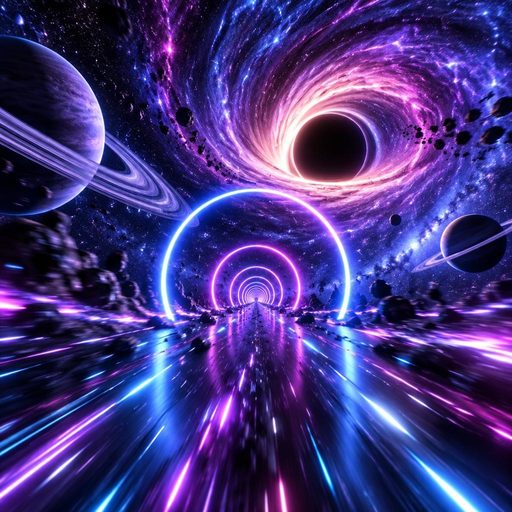
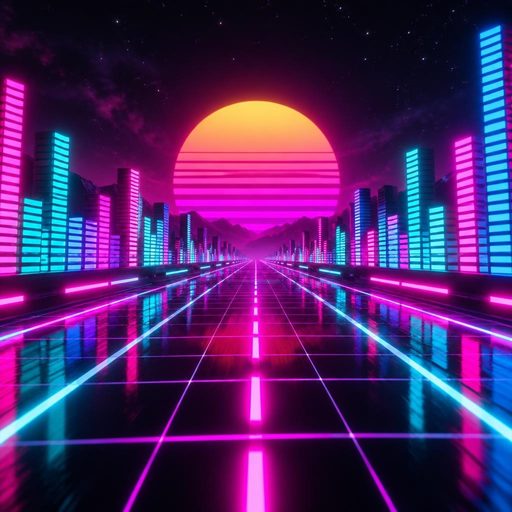
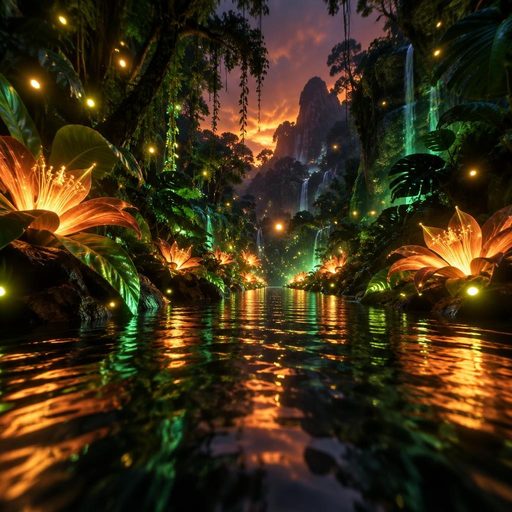
Pick a world, add your song, and Muzie reads the track for its tempo, beats, drops and sections. Then it flies you through Space, a neon city, the deep ocean or a jungle river, with every verse, chorus and breakdown choreographed to the music.
Free, no tokens. Runs in the browser and in the Muzie app for iOS and Android.

From a song to a flight in four steps
No timeline, no keyframes, no template to fill in.
Step 1
Add the song
Upload your track, or use one you made in Muzie. Any genre works, vocal or instrumental.
Step 2
Pick a world
Space, Neon City, Abyss or Jungle. You can change the world later without starting again.
Step 3
The song is analysed
The tempo and beats are found, the drops are marked, and the track is split into intro, verses, choruses, breakdowns and outro.
Step 4
Watch it and share the link
The visualizer plays live in the browser. Each one gets its own link, so fans open it on their phone or laptop and press play.
What it actually does with the music
It is not a loop of bars bouncing to the volume. The whole flight is scripted against the structure of the song.
Verses cruise, choruses open up
Speed, camera and light follow the section you are in. Verses are calmer, choruses push forward and the last chorus is the biggest moment of the flight.
Drops land on the drop
The analysis finds the drops, so the big set pieces, like the hyperspace jump or the jungle storm, arrive when the track does.
Breakdowns and the stop
When the song pulls back, so does the world. Breakdowns slow right down, and the stop before the final chorus goes dark.
The voice gets a light
Each world has a glowing guide ahead of you, a comet in space and a firefly in the jungle, that brightens with the vocal.
You can steer
Move the mouse or drag a finger to steer the flight, and hold to boost. Or just sit back and let it fly.
Link or video file
It plays live from a free link, and exports as an MP4 for 50 credits when you need a file for TikTok, YouTube or Reels.


Go deeper
Each world on its own page, plus the honest guides.
Space music visualizer
Planets, neon gates, a black hole and hyperspace on the final chorus.
Neon City visualizer
A synthwave night flight where the skyline is the equalizer.
Abyss ocean visualizer
A dive into the deep sea that goes darker with every section.
Jungle visualizer
A river journey through a day and a night, with a storm on the drops.
Spotify visualizer
What you can and cannot do with a visualizer around a Spotify release.
3D music visualizer
Why a real 3D world reads differently to bars and waveforms.
Music visualizer vs music video
Which one your track needs, and when to make both.
The best free music visualizers
Ranked fairly, including the ones that export video files.
Music visualizer questions
What people ask before they make one.

© 2026 APHVN Limited. All rights reserved.
APHVN Limited is registered in England and Wales. Company number 15968200.
https://aphvn.com
Explore
Examples
Compare
Alternatives
Guides
Blog
Halloween
Christmas
Valentine's
Birthday
Wedding
Graduation
Pets
Lip sync
Lyric video
Faceless
Spotify Canvas
Make a photo sing
AI song generator
Music visualizer
Free music visualizer
Free AI music video
Jingle maker
Funny song about a friend
Kids song
Love song
Gospel music video
Tribute song
Sitemap
Muzie vs Suno
Muzie vs Kaiber
Support