Real-time 3D, free
A 3D music visualizer, not a bouncing bar
Most visualizers draw the volume. Muzie reads the structure of your song, its tempo, beats, drops and sections, and flies a camera through a real-time 3D world that changes with each part of the track.
Free for everyone. Rendered live in the browser, no install.



How a song becomes a flight
What happens between pressing upload and pressing play.
Step 1
Listen
The audio is analysed across a spectrum of frequency bands, with a separate level for the vocal range and an envelope for every hit.
Step 2
Find the beat
Tempo and beats are worked out, so bars and beats can trigger events: a gate, a laser, a burst of plankton.
Step 3
Map the sections
The song is laid onto a template of intro, verses, choruses, breakdowns, a stop and an outro, and the drops are marked.
Step 4
Fly
The world eases between a target look for each section: speed, camera height, field of view, light and which set pieces are on screen.
Why 3D reads differently
What a world adds over a flat visualizer.
Somewhere to go
A 2D visualizer stays on one screen for the whole song. A 3D world travels, so the second chorus can look nothing like the first verse.
Structure, not just volume
Because the sections are mapped, the biggest visual moment arrives with the biggest musical moment instead of whenever it is loudest.
Set pieces on the drops
A hyperspace jump, a citywide power cut, a bioluminescent shockwave, a lightning storm. Each world saves something for the drop.
Interactive
Steer with the mouse or by dragging a finger, and hold to boost. Watching it twice is not the same as watching it once.
A light for the voice
Each world has a guide ahead of the camera that brightens with the vocal, so the singer is in the picture even without a face.
Live, not rendered
It is drawn in real time in the browser rather than rendered to a file. That is why it is free, and why there is no video download yet.


Go world by world
What each 3D world does with your song.
Space music visualizer
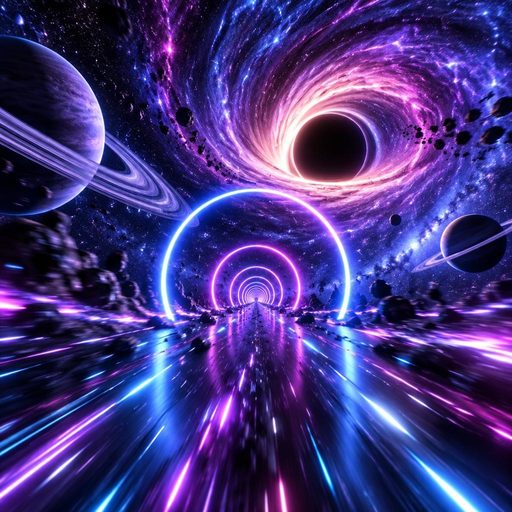
Debris fields, neon gates, a black hole and hyperspace.
Neon City visualizer
An equalizer skyline, rooftop lasers and a power cut.
Abyss ocean visualizer
A dive that gets deeper with every section.
Jungle visualizer
A river through a day and a night, with a storm on the drops.
Free music visualizer
What is free and what the visualizer does not do.
The best free music visualizers
Including 2D template tools that export video.
3D visualizer questions
For the people who want to know how it works.

© 2026 APHVN Limited. All rights reserved.
APHVN Limited is registered in England and Wales. Company number 15968200.
https://aphvn.com

Explore
Compare
Alternatives
Guides
Blog
Halloween
Christmas
Valentine's
Birthday
Wedding
Graduation
Pets
Lip sync
Lyric video
Faceless
Spotify Canvas
Make a photo sing
AI song generator
Music visualizer
Free music visualizer
Free AI music video
Jingle maker
Funny song about a friend
Kids song
Love song
Gospel music video
Tribute song
Sitemap
Muzie vs Suno
Muzie vs Kaiber
Support