Lyrics in three dimensions
A 3D lyric video, not text on a gradient
Most lyric videos are words sliding across a flat background. Muzie writes out your song from the vocal and places every word inside a real-time 3D world, timed to the singer, while the camera flies through scenes that change with each section of the track.
No keyframing and no typing out lyrics. Upload the song and pick a world.
Quick answer
A 3D lyric video puts the words of a song inside a three dimensional scene instead of on a flat background. In Muzie you upload a track, pick one of four 3D worlds, and the lyrics are transcribed from the vocal and placed in the world word by word, in time with the singer. The world itself is free; lyrics are a Premium add-on for 20 credits, and you can export the result as an MP4.


How the words get into the world
From an audio file to a lyric video, without touching a timeline.
Step 1
Upload the song
The finished track or a demo. Tempo, beats, drops and sections are worked out so the world knows where the chorus is.
Step 2
Pick a 3D world
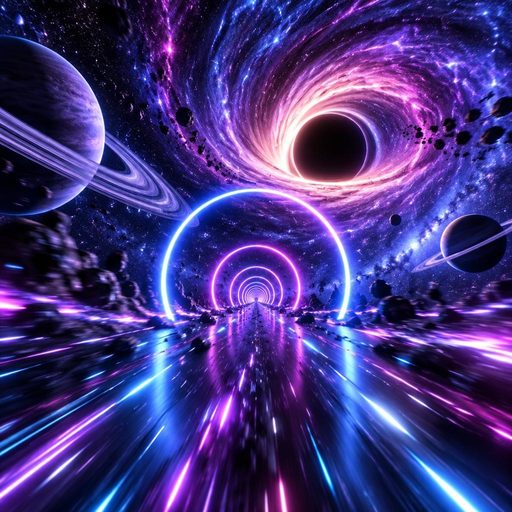
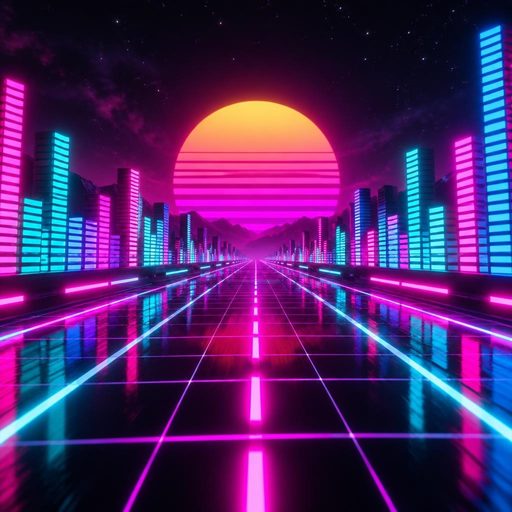
Space, Neon City, Abyss or Jungle. Each has its own font, colours and animation for the lyrics.
Step 3
Add the lyrics
The vocal is transcribed word by word, with a time for every word. You do not type or paste anything, and the words follow what is actually sung.
Step 4
Share or export
Share it as a live link, or export it as an MP4 to post on YouTube, TikTok or Reels.
What a 3D lyric video does differently
Why words in a world read better than words on a background.
Every word on time
Words are timed one by one from the vocal, so each lights up as it is sung instead of a whole line appearing at once.
The words live in the scene
Lines sit in the 3D space ahead of the camera and drift with it, so they feel part of the world rather than a caption laid on top.
Bigger on the chorus
The lettering swells on choruses and pulses on the drops, because the world knows the structure of the song.
Lettering that matches the world
Words ignite out of sparks in Space, flicker on like neon signs in the City, rise with bubbles in the Abyss and gather fireflies in the Jungle.
Portrait and landscape
The lyrics resize for the screen, so the same video works as a vertical Short and a horizontal YouTube upload.
Turn them off any time
Once added, lyrics are a toggle. Show them for the release, hide them for a clean visualizer, at no extra cost.


More on lyric videos and visualizers
Other formats, and how the worlds work.
Interactive lyric video
A lyric video your fans steer through, shared as a link.
Lyric visualizer
A music visualizer that shows the words as they are sung.
Lyric video maker
A performed lyric video where the singer mouths every line.
3D music visualizer
How the worlds read the sections, beats and drops of a song.
Free music visualizer
What you get without paying anything.
3D lyric video questions
What people ask before they make one.

© 2026 APHVN Limited. All rights reserved.
APHVN Limited is registered in England and Wales. Company number 15968200.
https://aphvn.com
Explore
Examples
Compare
Alternatives
Guides
Blog
Halloween
Christmas
Valentine's
Birthday
Wedding
Graduation
Pets
Lip sync
Lyric video
Faceless
Spotify Canvas
Make a photo sing
AI song generator
Music visualizer
Free music visualizer
Free AI music video
Jingle maker
Funny song about a friend
Kids song
Love song
Gospel music video
Tribute song
Sitemap
Muzie vs Suno
Muzie vs Kaiber
Support